
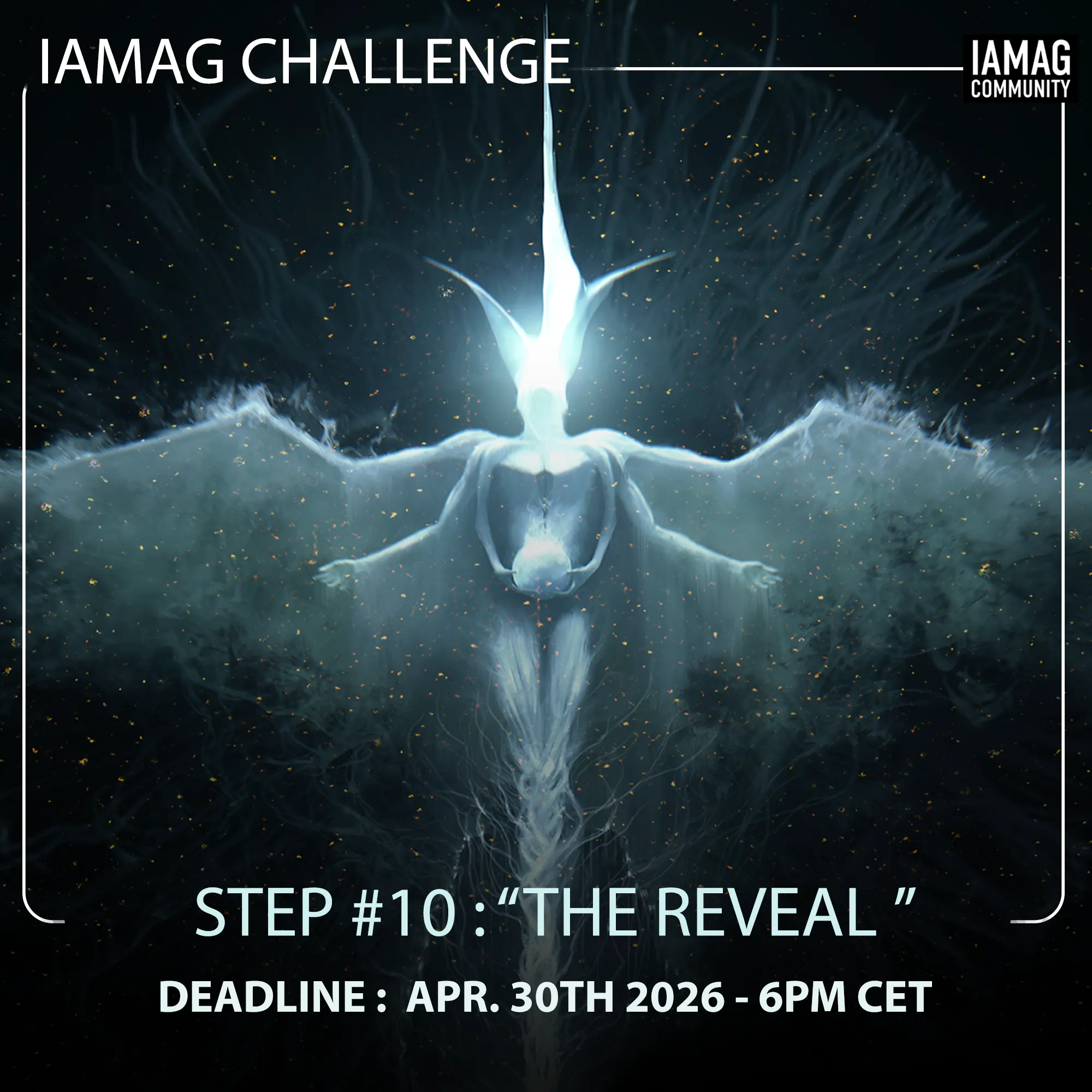
Following our earlier announcement about the Montreal event, the simulation has been expanded. We are excited to finally reveal the new, substantial prize pool for the IAMC26 Art Challenge and the mind-blowing final step of your journey.
We have redirected the value of the original event trip straight into your creative arsenal, giving away over €7,000+ in lifetime infrastructure, software, and world-class art books to fuel your career.
🏆 The New Epic Prize Pool
🥇 1st Place (Grand Prize):
€300 Coupon for Editions Caurette (Stock up on premium Artbooks!)
LIFETIME Access to IAMAG Production House Tier (Includes 50 hours of secure NDA video hosting, Custom Domains, The Sentinel AI Defense, and full team access. Value: €1,499/yr, yours forever).
LIFETIME Access to IAMAG Master Classes (750+ hours of legendary instruction. Value: €349).
🥈 2nd Place:
€150 Coupon for Editions Caurette
LIFETIME Access to IAMAG Indie Studio Tier (Value: €399/yr, yours forever).
1-Year Access to IAMAG Master Classes (Value: €199).
🥉 3rd Place:
€50 Coupon for Editions Caurette
LIFETIME Access to IAMAG Visionary Tier (Value: €129/yr, yours forever).
1-Year Access to IAMAG Master Classes (Value: €199).
⏳ Extended Deadline & No More Penalties
Due to the event cancellation, we wanted to soften the rules to relieve any pressure. There are no more late penalties, and anyone can enter the challenge right now! While this opens the doors for newcomers, this timeline still gives a massive advantage to all of you who have been working on this for months, as you now have extra time to refine your masterpieces. You are officially allowed to go back and repaint, tweak, or completely overhaul ANY of your previous steps (1 through 9).
Final Submission Deadline: May 11th
Winners Announced: May 25th
(If you are entering the challenge right now, please read carefully through all the previous story steps to ensure your world follows the narrative! Links provided at the bottom).
STEP 10: The Player (The Final Reveal)
"The container is held by hands. But who is controlling the hands?"
In Step 9, the illusion broke. You realized your world was just a container, a simulation, a manufactured reality.
For Step 10, the camera pulls back even further. An inception within an inception.
The Twist: The "Creator" of your simulation is not a god, nor an ancient alien. The Creator is just an avatar. You, your world, and the simulation itself are all just part of a game being played by someone else. Please interpret the word game and don't be restricted to this description. Anything that creates an inception part could work.
Focus: The Shift in Reality shows us the real reality outside the game.
Do we see the glowing UI of a VR headset being taken off?
Do we see a messy, dimly lit gamer’s bedroom where your entire universe is just pixels on a monitor?
Do we see giant, hyper-realistic hands resting on a keyboard or holding a controller, while your "Architect" is frozen on pause?
Just some suggestions there, but be creative!
Color & Mood: At this final stage, the rules are off! We are not forcing any limitations on your color palette or mood. Use whatever visual language best contrasts the "Game" with the "Real World" and serves your ultimate reveal.
🏆 How to Submit Your IAMC26 Challenge Entry
Ready to submit your artwork for the IAMC26 Challenge? We’ve built a dedicated, frictionless workflow right into your dashboard so you can build your entry and submit it to the Discover Portal in just a few clicks.
Here is exactly how it works:
Step 1: Create Your Challenge Workspace
Open your Portfolio Editor and head to the My Portfolios tab. At the top, you will see a dedicated pink section for the challenge. Click Create Submission.
Note: The system automatically generates the backend URL for this, so you don't even have to worry about picking a name or setting a password.
Step 2: Build Your Entry
Upload your challenge pieces into your Master Library and group them into on or several collections and assign collections to your IAMC26 Portfolio.
Next, click Manage Content on your new Challenge Portfolio card and check the box next to your challenge album. You can jump into the Portfolio Builder to tweak the layout, colors, and fonts so your presentation looks perfect.
Step 3: Submit to the Portal
When your entry is complete and ready for the world to see, look for the Add to Portal button (with the sparkle icon) on your portfolio card or in the top bar of the editor. Click it, and confirm your submission!
Step 4: The Curation Queue
Once submitted, that button will turn yellow and say Review Pending. Your entry has been successfully sent to our admin team! As soon as we review and approve your submission, you will receive an email notification, and your artwork will be officially live and featured in the dedicated IAMC26 tab on the global Discover Portal.
Because I totally understand that this process can take more time and be more complex, I've extended the submission date :
Submission Deadline May 11th - 6PM CET
Jury Decision My 25th
Good luck, and we can't wait to see what you create!
See how it works below